
⚡ Quick answer: how should a small business start with ChatGPT in 2026?
Start on the free plan with three repeating tasks, such as customer replies, product descriptions and document summaries, and check every answer. For one person, Plus costs $20 per month. For a team, ChatGPT Business costs $20 per seat per month billed yearly ($25 monthly) and does not train on your business data by default. Pay only when the time saved is clear.
📖 Table of Contents

📋 ChatGPT for business: the short answer
ChatGPT is a chat assistant that writes, summarises and analyses text and files. For a small business, its value is time: first drafts of emails, descriptions and documents in seconds. Its risk is accuracy and privacy, so a person must check the output and keep sensitive data out. If your main need is SEO content at scale, our Writesonic review explains when a specialist platform is worth paying for.
This guide covers the plans, which one fits your team, six practical uses, safe first steps and the limits. For a wider view, see our AI tools for business productivity.
What ChatGPT can do for a small business
ChatGPT, made by OpenAI, answers in plain language, writes and edits text, reads files you upload, creates images and can work with data. The paid plans add more advanced models, larger storage and connections to email, calendar and work apps (checked on 23 Oct 2026).
It does not know your business unless you tell it. Give it your facts, your tone and your rules, and treat each answer as a draft.
ChatGPT plans and prices
These facts come from the ChatGPT pricing page, checked on 23 Oct 2026. Prices and features change often, so confirm them before you pay.
| Plan | Price | For | Notes |
|---|---|---|---|
| Free | $0 | Trying it out | Unlimited everyday text chats, limited images, memory and voice, with ads |
| Go | $5 per month | Light personal use | More messages, images and memory, may include ads |
| Plus | $20 per month | One person who works with it daily | Advanced models, work agent, email and calendar connections, 20 GB storage, no ads |
| Pro | From $100 per month | Heavy daily use | Most capable model, 100 GB storage, three usage tiers |
| Business (standard seat) | $20 per seat per month billed yearly, $25 monthly | Teams of 2 to 200 | Shared workspace, admin and billing, app connections, no training on business data by default |
| Business (premium seat) | $100 per seat per month billed yearly, $125 monthly | Team members with heavy use | 5x more usage than a standard seat |
An Enterprise plan for larger companies is also listed, with prices on request.
Which ChatGPT plan fits your business
- Solo owner, testing: the free plan is enough to learn what helps you.
- Solo owner, daily use: Plus, if the time saved is worth $20 a month to you.
- Team of 2 or more: Business, for shared projects, admin control and the default rule of no training on your business data.
- Only a few heavy users: on Business you can mix standard and premium seats.
6 practical uses of ChatGPT in a small business
- Customer replies: draft answers to common questions, then check and send them yourself.
- Product and service descriptions: turn your notes into clear text for your website or shop.
- Social posts and newsletters: get a first draft in your tone from a short brief.
- Summaries: shorten long documents, reports or meeting notes into key points.
- Spreadsheets and data: ask it to explain a sales file or build a simple formula, and check the result.
- Procedures and training: turn how you work into step-by-step guides for new staff.
To connect ChatGPT with other apps automatically, see our n8n guide and n8n vs Make vs Zapier. For customer records, our HubSpot CRM guide helps.
How to start with ChatGPT in your business: 6 steps
- Start on the free plan
Create a free account at chatgpt.com and use it for a week on real but non-sensitive work. The free plan has ads and limits on images, memory and voice.
- Pick three repeating tasks
Choose tasks you do every week, for example answering common customer questions, writing product descriptions and summarising long documents.
- Write a short brief for each task
Say who the text is for, the tone, the length and the facts it must use. Save these briefs so everyone uses the same ones.
- Check every answer before you use it
Read each result, check prices, dates and names, and fix the tone. ChatGPT can state wrong facts with confidence.
- Set simple privacy rules
Decide what staff may never paste into ChatGPT, such as customer personal data, passwords or contracts, and check the data controls in the settings.
- Decide on a paid plan with real numbers
After a few weeks, note the time saved. Pay for Plus or Business only if the time saved is worth more than the cost per person.
Tip: clear briefs give better answers. Our guide on writing better prompts shows how.
Privacy and safety rules
- Never paste passwords, payment details or customer personal data into a personal plan.
- For team use, ChatGPT Business states that it does not train on your business data by default. Read the current terms before you rely on it.
- Check facts, prices and legal statements before anything goes to a customer.
- Follow the privacy rules of your country, for example GDPR in Europe, when you handle customer information.
Limits to know
ChatGPT can be wrong while sounding sure, it does not know your private business facts unless you give them, and usage limits depend on the plan. It is a drafting and thinking aid, not a replacement for your judgement. For research with sources, compare the tools in our AI research tools guide, and for a broad overview see our top 5 AI tools.
Can ChatGPT help you earn more?
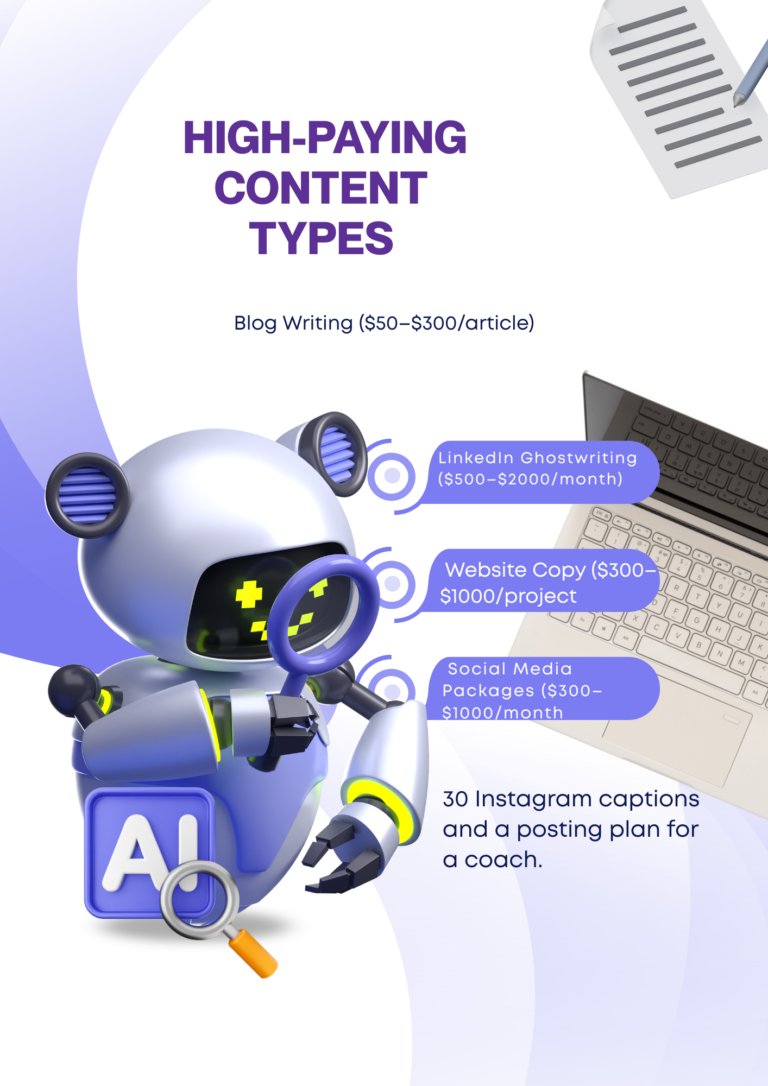
ChatGPT does not pay you. In a business, its value is the time you save and the work you can take on. Some freelancers also offer writing or setup services that use AI, but results depend on skill, clients and effort, and we do not promise any income. For realistic options, read how to make money with AI.
Our verdict on ChatGPT for business
For most small businesses, ChatGPT is worth a test. Start free with three repeating tasks, set privacy rules from day one and check every answer. Move to Plus for one heavy user, or to Business for a team, only when the time saved is clear.
🎦 ChatGPT video tutorials
These videos show ChatGPT in use. The app changes often, so some screens may look different today.
ChatGPT for Beginners
💡 Why watch: a walk-through of the basics.
ChatGPT Beginner to Pro
🎓 Why watch: more features once you know the basics.
📊 Frequently asked questions
Start small, check everything
Use the free plan on three real tasks, set privacy rules and measure the time saved. Then decide on a paid plan with real numbers. For more guides, browse the Learning Hub.
🚀 Open the Learning HubDiscover more from SoftHubTools
Subscribe to get the latest posts sent to your email.


[…] How to Use ChatGPT for Business Beginners — Complete Guide 2026 […]
[…] that can also help with research, see our comparison in Claude vs ChatGPT, the Claude guide, and ChatGPT for business beginners. A shorter overview of popular tools is in top 5 AI […]
[…] كيف تستخدم ChatGPT في الأعمال للمبتدئين: دليل كامل 2026 […]
[…] ChatGPT for Small Business 2026: Plans, Uses and First Steps […]
[…] ChatGPT […]
[…] into CVsmash. Never invent experience, and remove personal data you do not need to share. See our ChatGPT guide and our Claude AI guide. For a video CV, see our HeyGen […]