This guide shows beginners exactly how to start freelancing on Fiverr. You will learn how to create logo design gigs, attract buyers, deliver work correctly, get reviews, and earn money online.
Moreover, Fiverr is one of the easiest platforms for beginners to start freelancing. Instead of applying for jobs, you create services called gigs, and buyers place orders directly.
Therefore, This tutorial follows the real Fiverr workflow step by step. Every image below shows an actual Fiverr screen, and every paragraph explains exactly what you see and what to do.
Additionally, You can also explore AI tools that help freelancers here: Resume & Career AI tools
This video explains how Fiverr works from a beginner’s point of view, including seller setup, gig creation, orders, delivery, and payments.
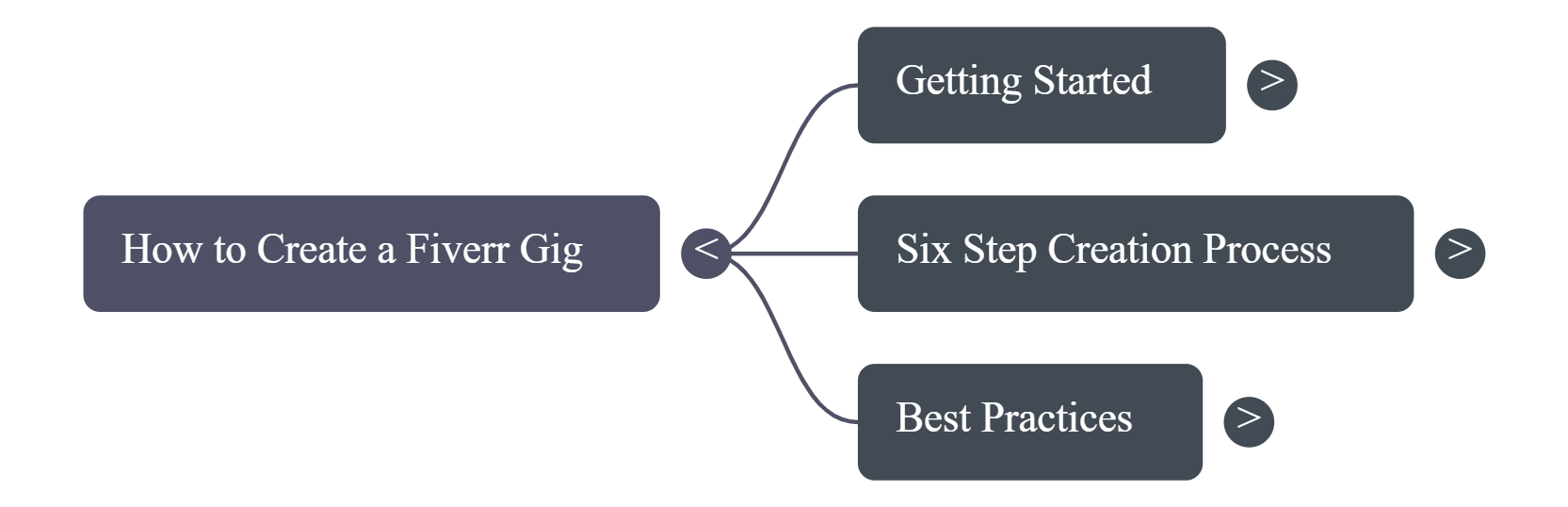
Consequently, profile → gig → buyer message → order → delivery → review → payment
1. Create a Fiverr Seller Account
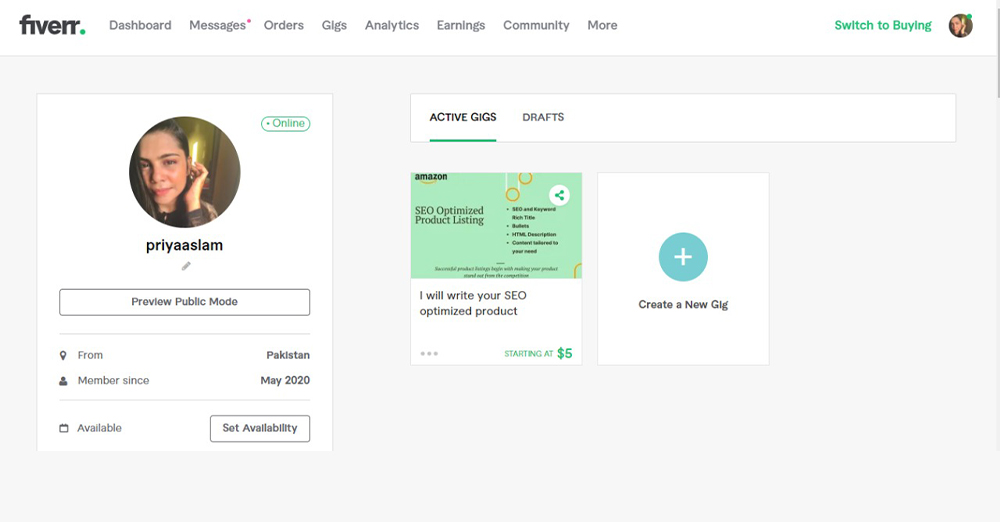
However, This screen shows the Fiverr signup process. After creating an account, switch to seller mode to unlock gig creation and the seller dashboard.
2. Build a Professional Gig Profile
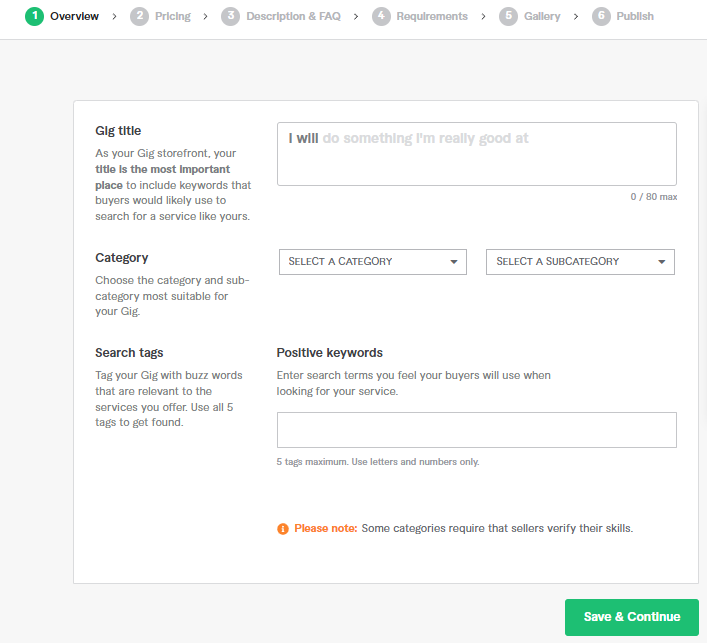
In fact, Building a successful Fiverr gig requires attention to each element. Your gig is your storefront, and every detail influences whether buyers choose you or scroll past.
As a result, Gig Title: Your title appears in search results and has an 80-character limit. Use clear, keyword-rich phrases like “I will design a minimalist logo for your business in 24 hours.”
Specifically, Category Selection: Choose the most specific category. For logo design, select Graphics & Design → Logo Design.
For example, Service Packages: Create three pricing tiers. Beginners often start with $15–30 (Basic), $40–75 (Standard), and $100–200 (Premium).
Indeed, Gig Description: Introduce yourself, list inclusions, explain your process in steps, and end with a call to action.
Meanwhile, Search Tags: Use buyer-focused keywords like logo design, minimalist logo, brand identity, and custom logo.
Subsequently, Gig Images: Use a 1280 × 769 main image and add 2–3 supporting visuals.
Notably, Buyer Requirements: Ask for business name, industry, colors, style preferences, and logo usage.
Nevertheless, Delivery Time: Start with 2–3 days and reduce it as your workflow improves.
In addition, Revisions: Define revisions clearly for each package.
Similarly, After Publishing: Test gig images, respond quickly, and update your description regularly.
In short, To manage orders efficiently, see this guide: ClickUp for Small Teams .
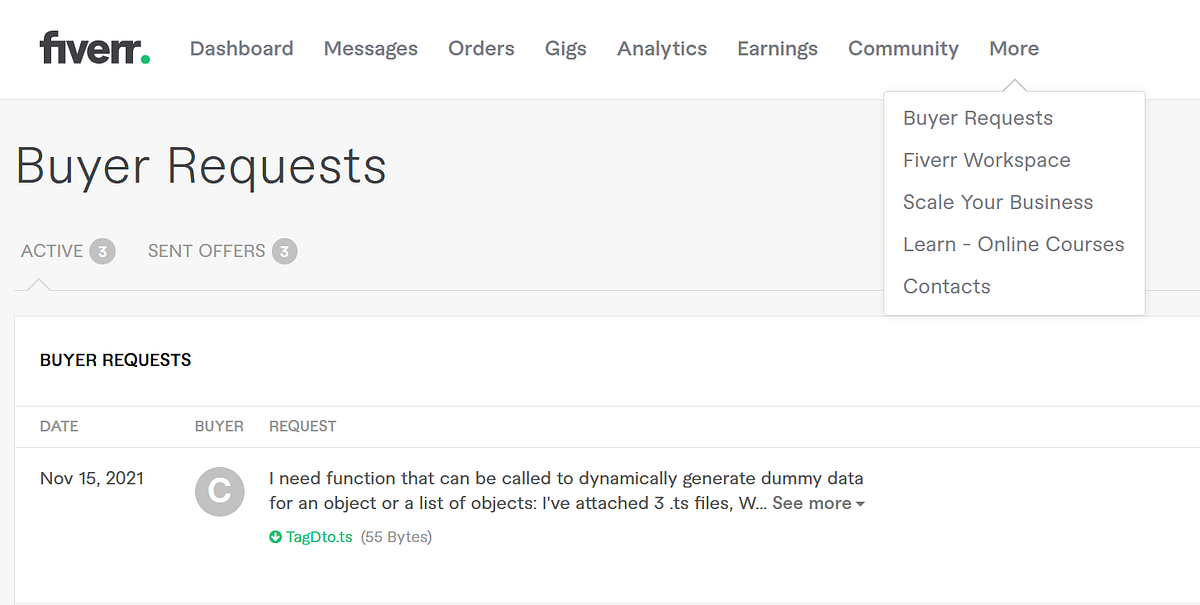
3. Communicate with Buyers
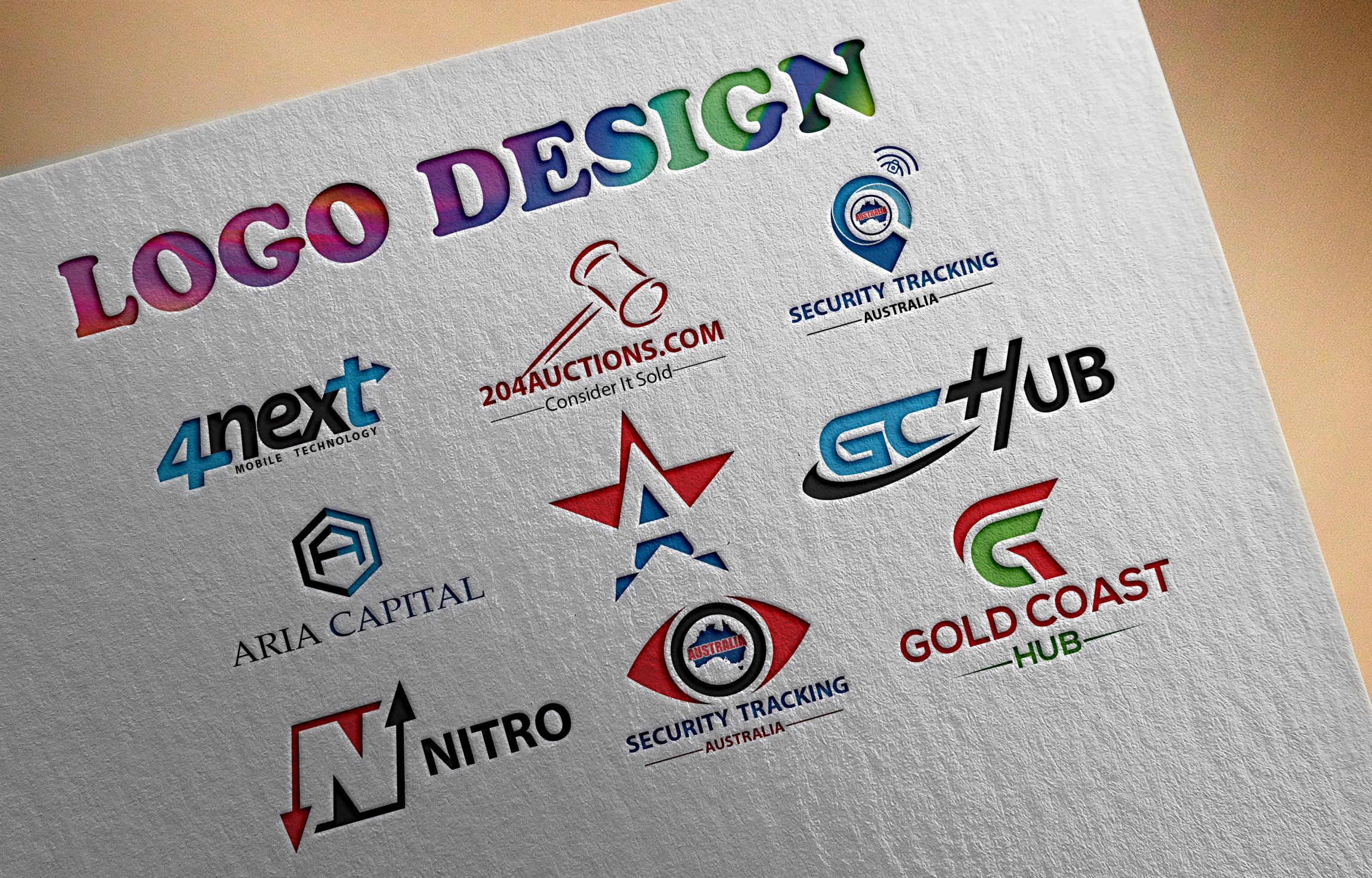
4. Deliver Logo Files Correctly
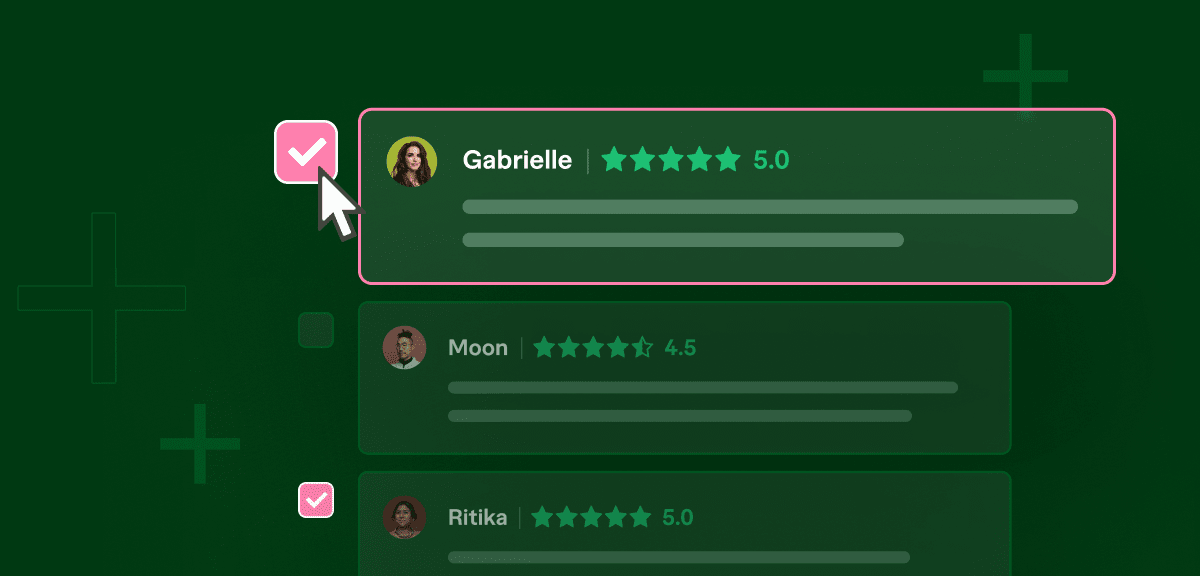
5. Receive Reviews and Build Trust
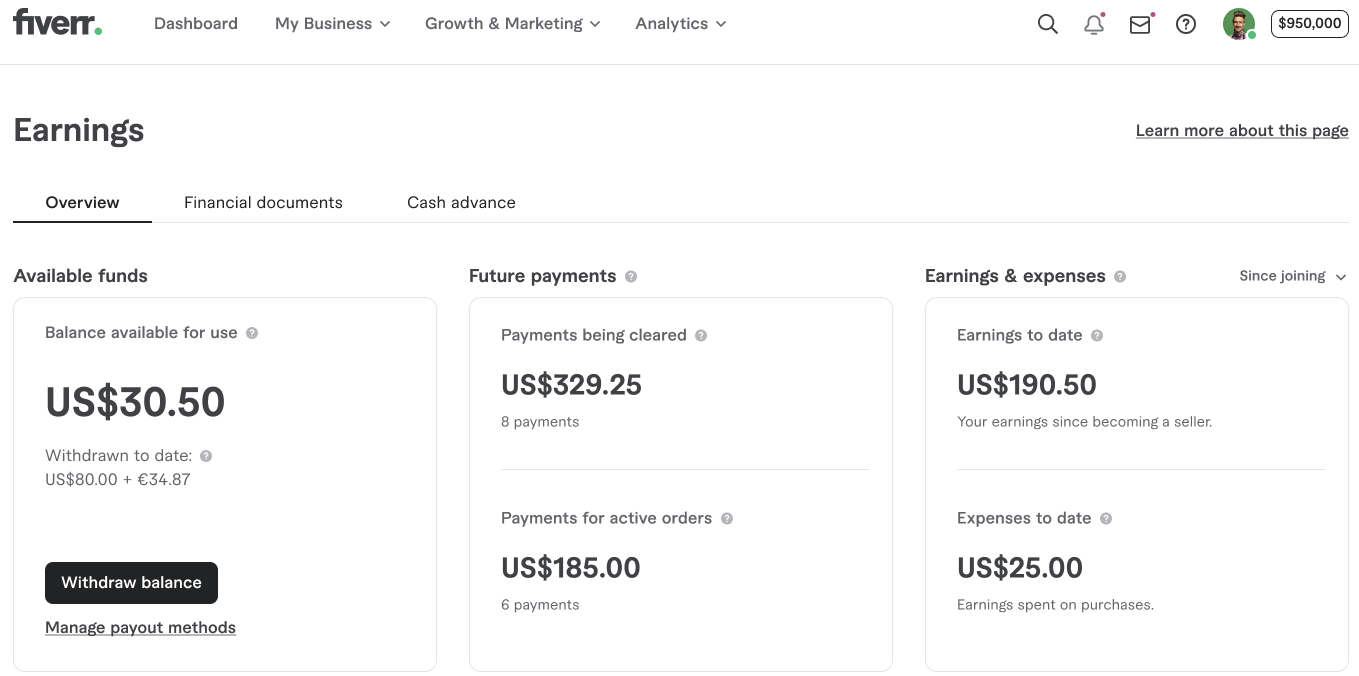
6. Track Earnings and Withdraw Money
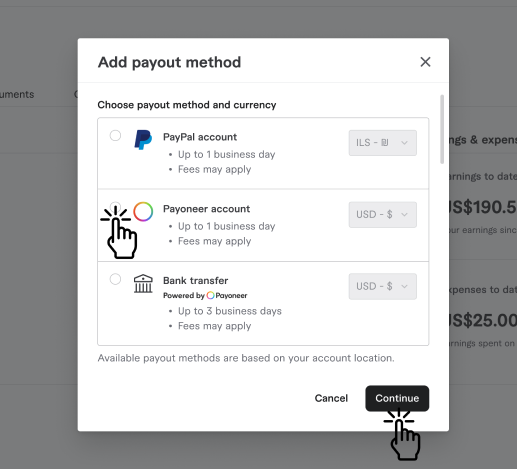
7. Set Up Your Payment Method
8. Scale Your Logo Design Business

9. Build Long-Term Freelance Income

Evidently, Fiverr is ideal for beginners because buyers come directly to your gigs. Upwork requires proposals and is more competitive.
Fiverr
- No proposals
- Fixed-price gigs
- Beginner-friendly
Upwork
- Requires bidding
- Higher competition
- Better for experienced freelancers
Start Learning How to Start Freelancing on Fiverr Today
In conclusion, this guide covers everything you need to get started in 2026. Whether you want to learn new skills, build real projects, or start earning online — the tools and strategies above give you a clear, actionable path forward. Therefore, the best time to start is right now.