How to Make Simple Designs and Earn Online Using Canva (Complete Beginner Guide)
This guide is written for complete beginners. If you have never used a design tool, never worked online, and do not understand graphic design, this page will guide you step by step from zero to your first earning opportunity using Canva.
To make learning easier, every section is explained slowly and clearly. In addition, images and videos are included so you can visually understand each step without confusion.
If you are interested in earning online using simple digital tools, you can also read the following guide: Best Free Resume AI Tool for Job Seekers – CVsmash Review & Comparison .
What Is Canva? (Explained for Absolute Beginners)
Canva is an online design tool that works directly in your web browser. As a result, you do not need to download software, buy an expensive computer, or learn complex design rules.
The platform is built around templates, which are designs already created by professionals. As a beginner, you only change text, images, and colors. Because of this structure, everything stays aligned and visually clean.
For this reason, the tool is widely used by beginners, freelancers, students, small businesses, and people who want to earn online quickly.

Canva vs Photoshop: Why Canva Is Better for Beginners
Many beginners ask whether they should learn Photoshop instead of Canva. While both tools are used for design, they are created for very different users.
Photoshop is professional software that requires installation, paid licenses, and a long learning process. Because of its complexity, beginners must understand layers, masks, shortcuts, and advanced menus before creating usable designs.
Canva, on the other hand, is designed for beginners and non-designers. Instead of complex tools, it uses ready-made templates and visual guides. As a result, you can create your first usable design in minutes.
| Feature | Canva | Photoshop |
|---|---|---|
| Learning curve | Very easy | Very difficult |
| Templates | Yes | No |
| Beginner friendly | Yes | No |
| Time to first design | Minutes | Weeks or months |
Video 1: Canva Full Beginner Tutorial (Most Viewed)
This video explains the Canva interface, templates, editing tools, and how to download your first design. Therefore, it is recommended to watch it before moving forward.
Step 1: Create a Free Canva Account
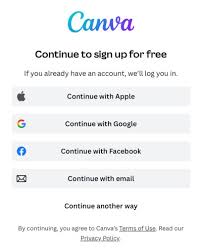
First, visit the Canva website and click “Sign Up”. You can register using email, Google, or Facebook. This process is completely free.
After registration, Canva may ask how you plan to use the platform. At this stage, you can select personal or business use.
Video 2: Canva Dashboard Explained
In this video, the Canva dashboard and navigation menu are explained in detail. As a beginner, this will help you understand where everything is located.
Step 2: Understanding and Choosing Templates
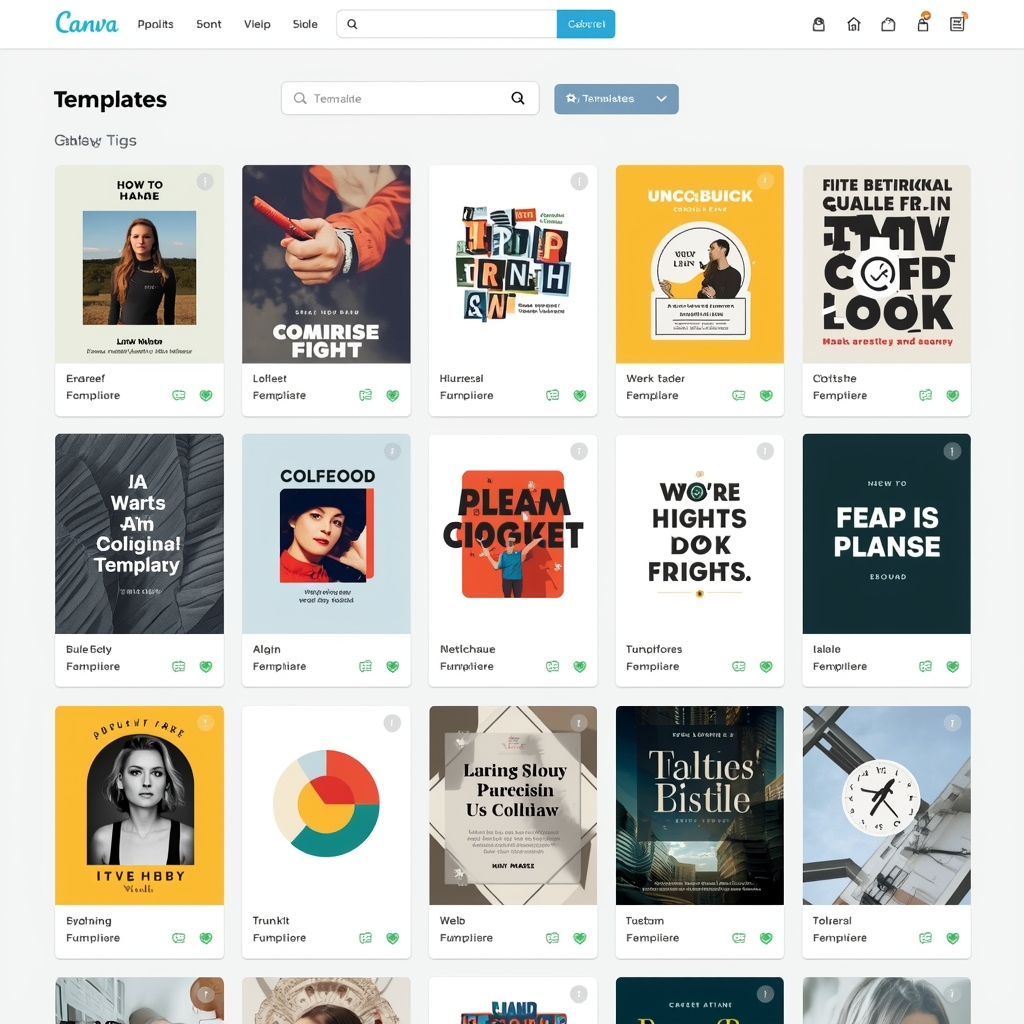
Templates are the foundation of Canva. For beginners, they remove the need to start from scratch.
To begin, use the search bar to find templates such as Instagram posts, resumes, flyers, planners, or YouTube thumbnails.
Step 3: Editing a Design (Click-by-Click)
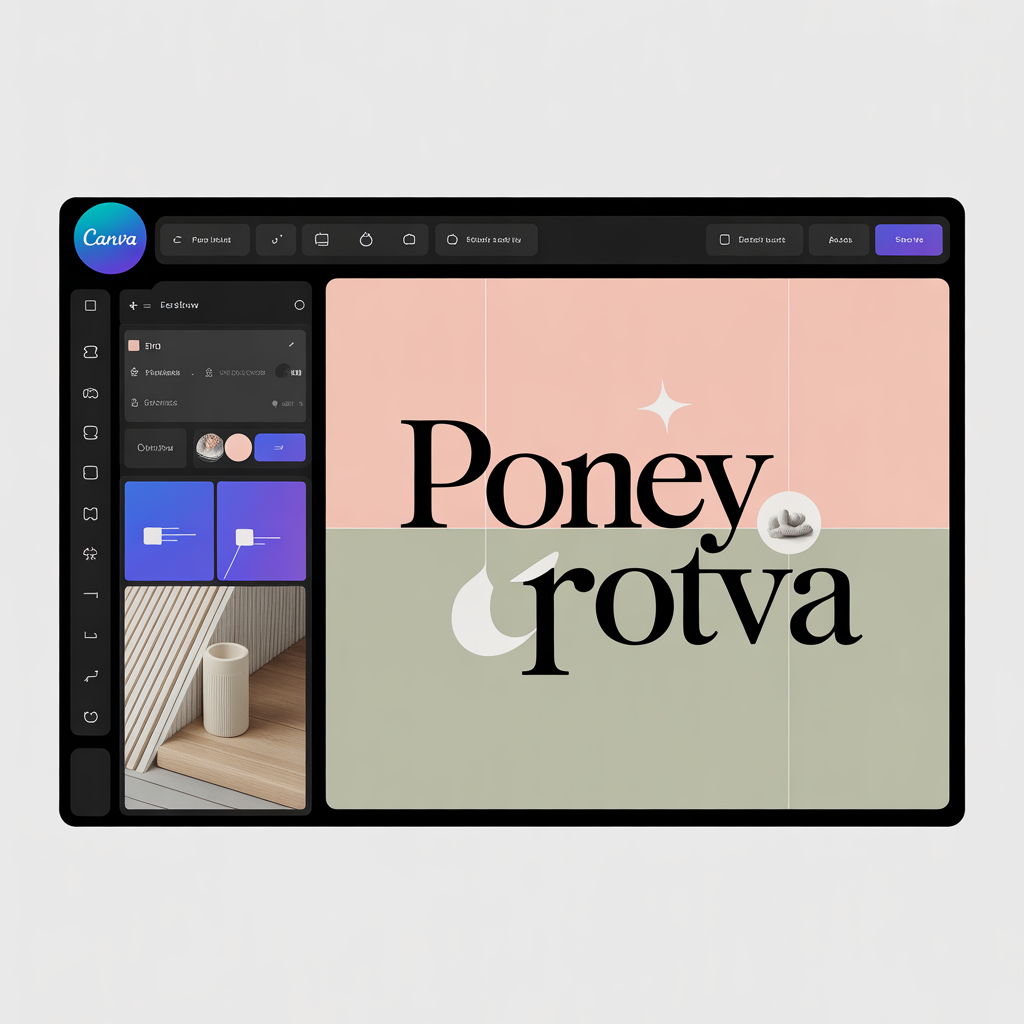
To edit text, simply click on the text area and type your content. Next, change the color palette by selecting the color options. Images can then be replaced by clicking on them.
In addition, Canva shows alignment guides automatically. This feature helps beginners keep designs professional.
Video 3: Editing Designs Step by Step
The following video shows real-time editing inside Canva. As a result, you can clearly see how each tool works.
Step 4: Downloading and Saving Your Design
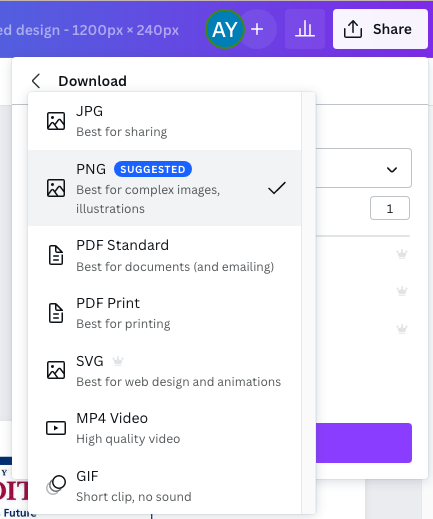
Once the design is finished, click “Share” and then “Download”. Afterward, choose PNG for images or PDF for documents.
How Beginners Earn Online Using Canva
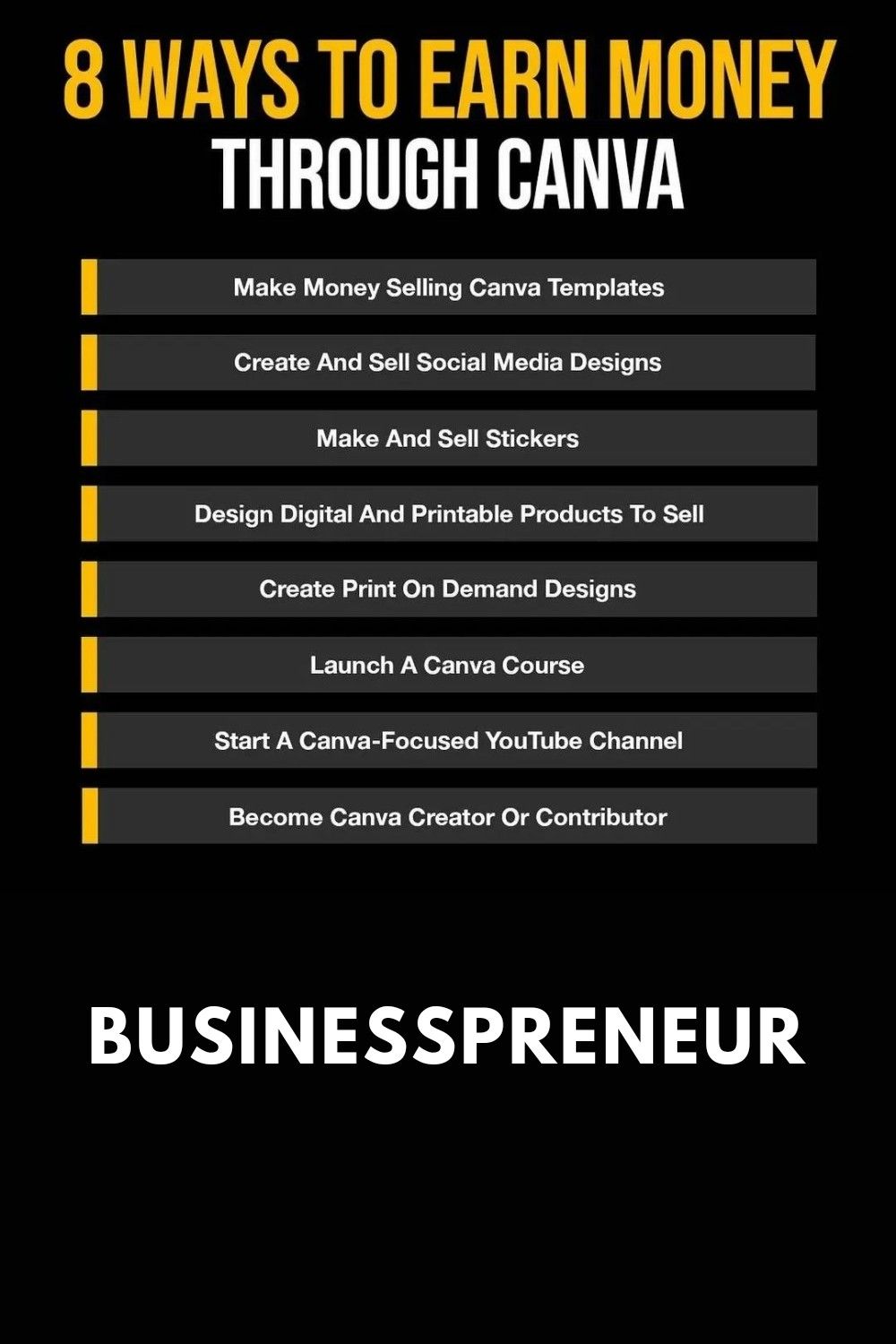
Method 1: Freelancing
One option is offering design services such as social media graphics, presentations, flyers, and marketing visuals.
Method 2: Selling Digital Downloads
Another approach is creating resume templates, planners, and Instagram templates that can be sold multiple times.
Method 3: Content Creation
Finally, you can design Pinterest pins, YouTube thumbnails, and blog graphics for content creators.
Canva Free vs Canva Pro
| Feature | Free | Pro |
|---|---|---|
| Templates | Limited | Unlimited |
| Background remover | No | Yes |
| Brand kit | No | Yes |
| Premium images | No | Yes |
Final Step: What You Should Do Now
Start by creating a free Canva account. Then, practice using ready-made templates. After that, watch the videos again for clarity. Finally, begin with simple designs and improve gradually.
With consistency and patience, progress will come. Anyone can learn this.
Discover more from SoftHubTools
Subscribe to get the latest posts sent to your email.